The Columns tool marks the structural columns.
This tool is optional if there are no columns on the floor.
How to draw columns
- Select the Columns tool (shortcut L).
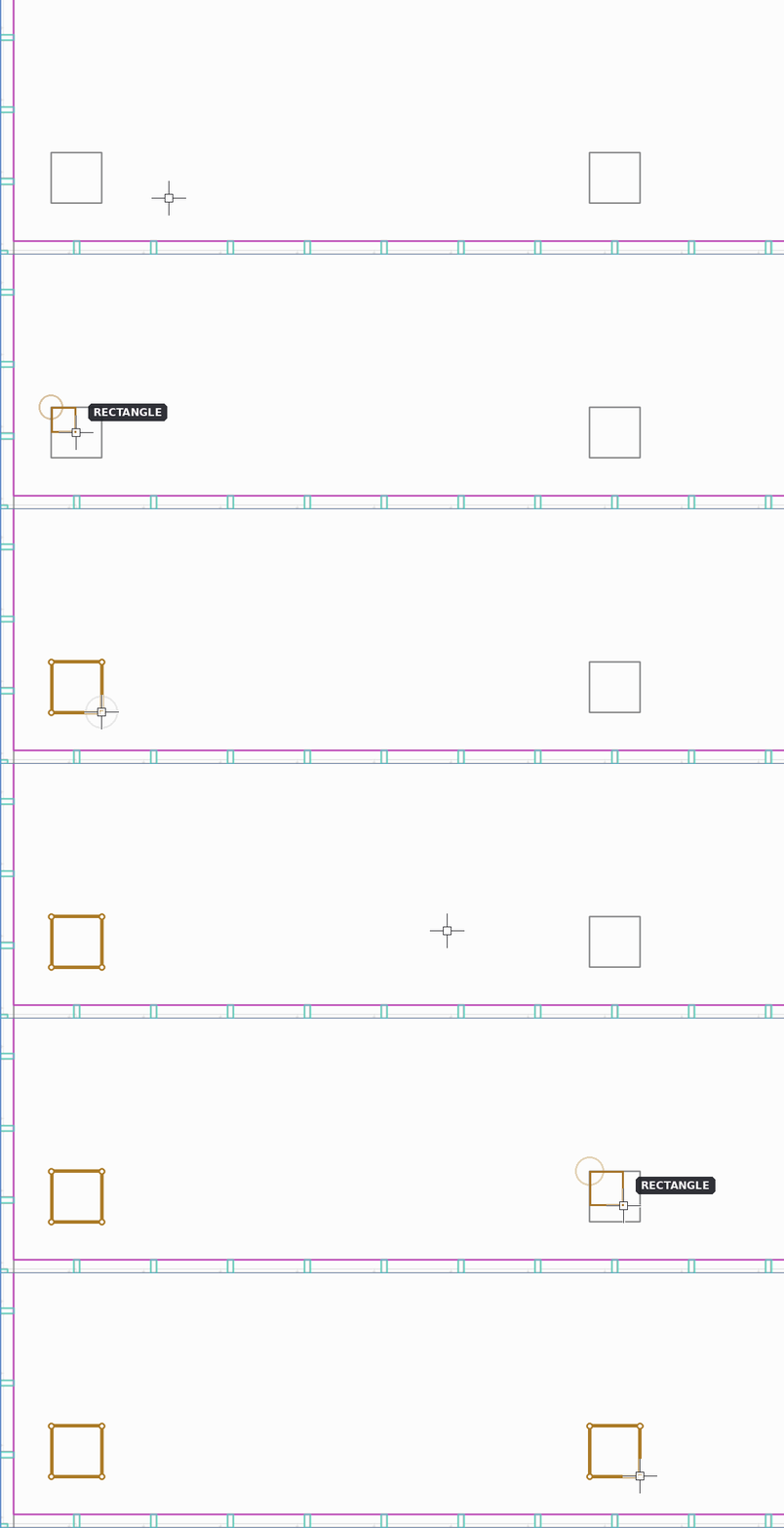
- For a rectangular column, draw a rectangle with two clicks: one corner, then the opposite corner.
- For other shapes, trace the column outline point by point and close the shape, or draw a circle.
Rules
- Each column outline must form a closed shape.
- Corridors should not cross the columns.
Czy ten artykuł był pomocny?
To wspaniale!
Dziękujemy za opinię
Przepraszamy, że nie udało nam się pomóc!
Dziękujemy za opinię
Wysłano opinię
Doceniamy Twój wysiłek i postaramy się naprawić artykuł